HOW IT WORKS
From parked
to part of the group.
A few steps before you set off. A shared conversation along the way.
01 / RIDEWEAVE
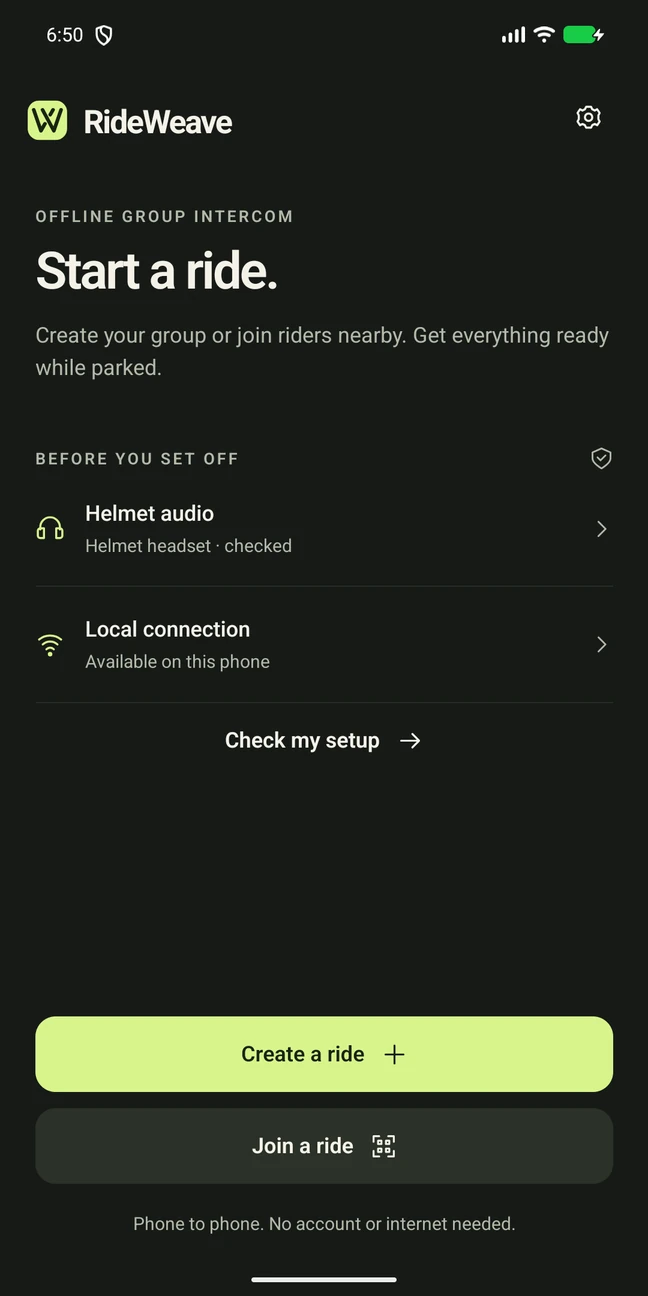
Get ready while parked.
Connect your helmet headset. Check microphone, audio routing, and nearby-device permissions before setting off.
02 / RIDEWEAVE
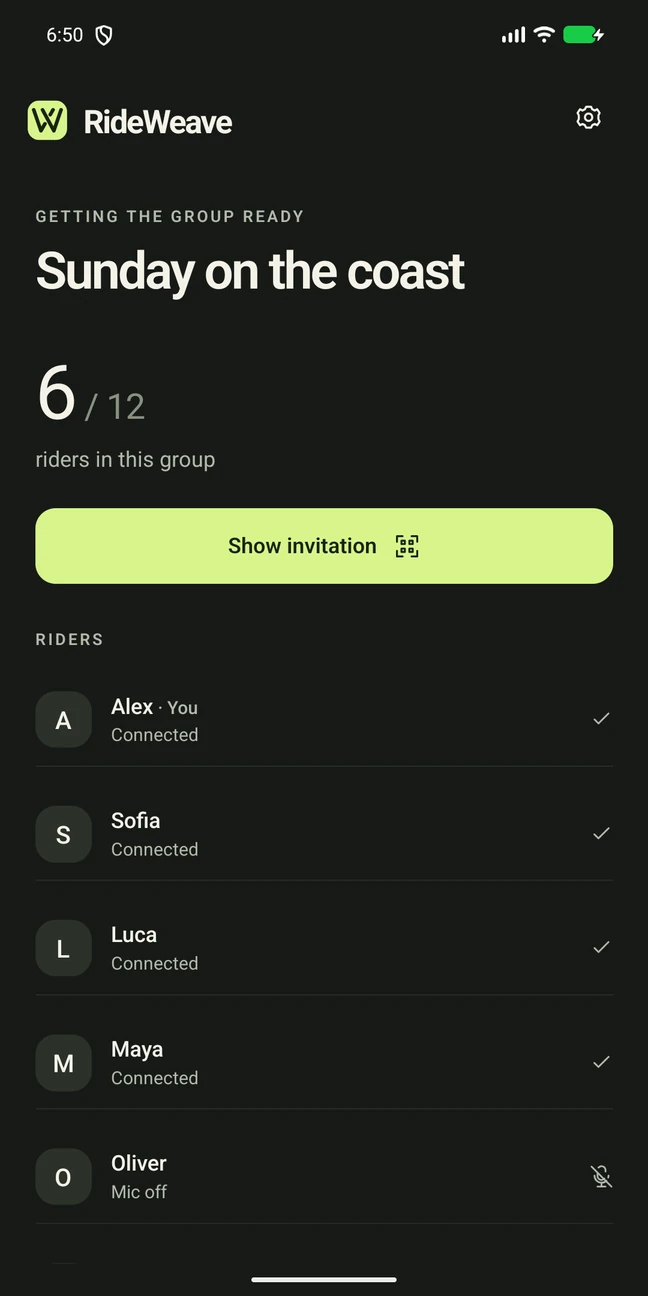
Invite. Approve. Start.
One rider creates the ride and shares an invitation. Others scan or paste it. The organizer approves the group and closes admission. Each rider then starts audio on their own phone.
03 / RIDEWEAVE
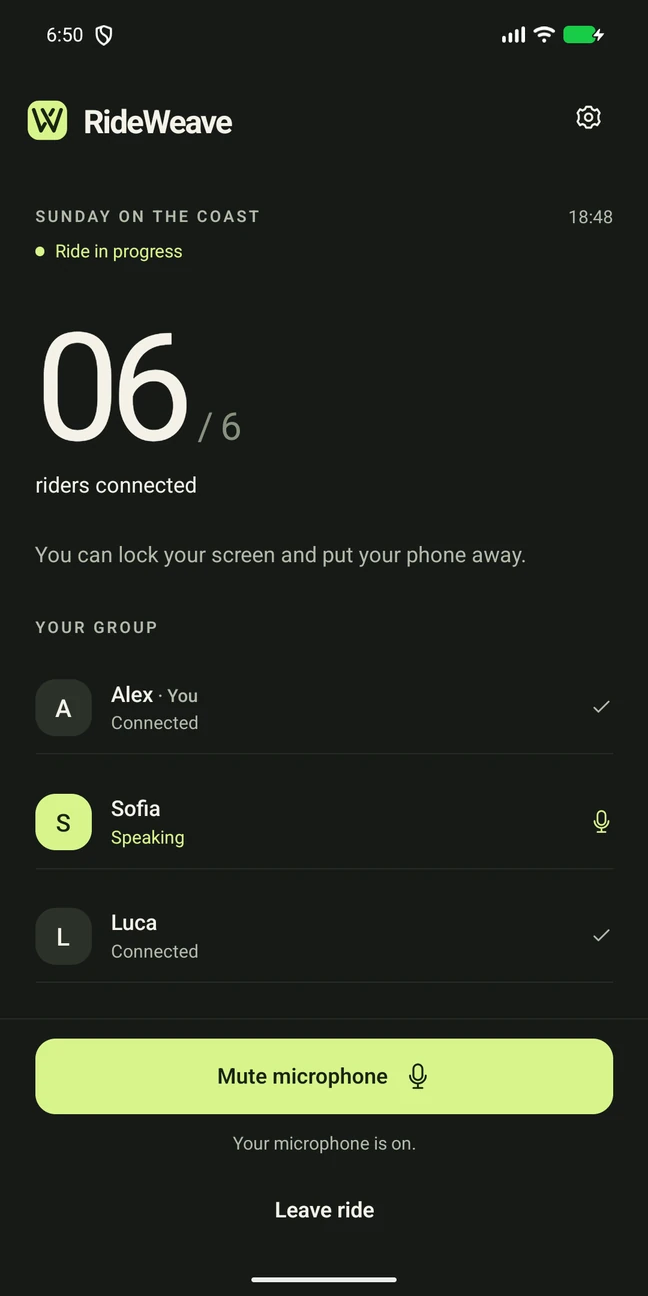
Talk naturally.
The microphone stays available without holding a button. Mute when you need to. If a connection drops, the app reports it and attempts to reconnect.
04 / RIDEWEAVE
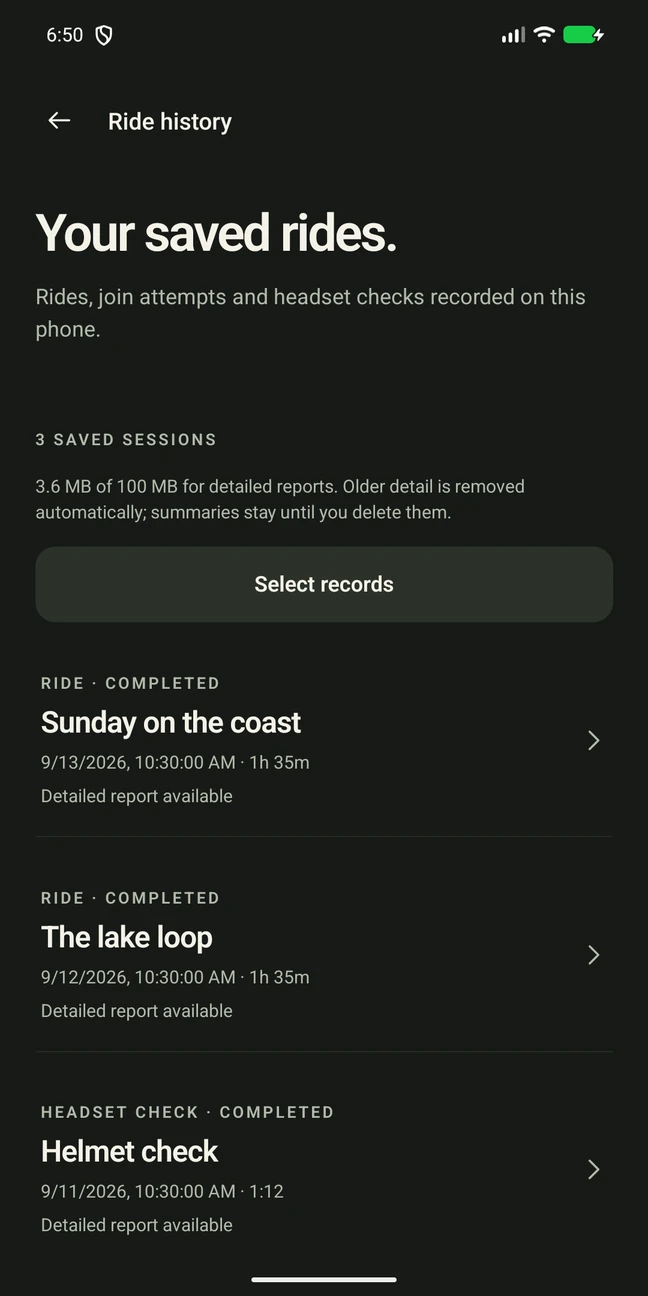
Keep the useful details.
Ride history keeps technical reports on your phone. View, share, or delete them yourself. These reports do not contain microphone recordings.